











Tasks
Assign tasks to clients and to your team, and stay more organized.
Type
App
App Visibility
Client
Pricing
Free
Built by
Overview 
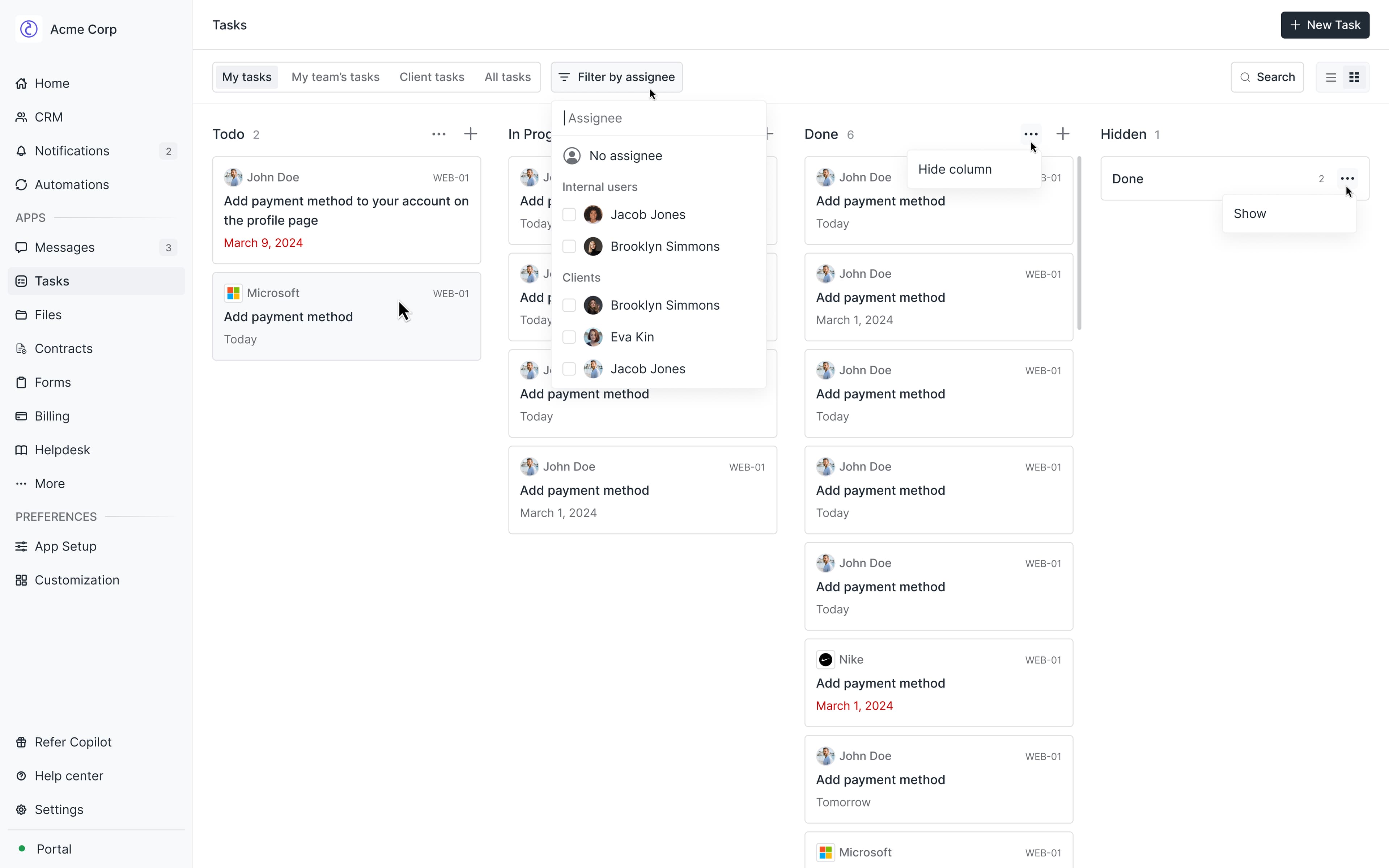
The Tasks App allows internal users to create and assign tasks to other internal users, clients, or companies. It can be used for internal organization or to provide clients with clear instructions.
The app is particularly useful for managing client onboarding processes and ensuring all parties complete their required actions during collaborative projects. By centralizing task management, it helps teams track progress, meet deadlines, and maintain clear communication across both internal and external workflows.
Installing the Tasks App
Go to App Library, and click + Add an app in the top right corner.
Select Tasks in the Client-facing section.
After clicking on the app, click on Install in the top-right.
Give the app a name and icon, and configure if all clients can see it, or only a subset.
Click Add to be redirected to the app.
Internal user experience
Creating Tasks
Click New Task
In the Task Name field, enter the desired name for the task.
In the Description field, write a description of the task. The description supports rich text formatting and attachments.
Select the status of the tasks. You can choose from To do, In progress, and Done.
Choose who to assign the task to. You can assign it to yourself, another internal user, a client, or a company.
If applicable, select a due date.
Click Create to create the task.
Client experience
Client users receive email notifications when tasks are assigned to them. Additionally, the Tasks App in the sidebar displays a notification count representing the total number of tasks that are not yet marked as Done.
Your clients deserve better.
Try for free for 14 days, no credit card required.